
Your amiibo collection.
Within reach.
Browse, choose, and scan with Guoxd V1: a rechargeable amiibo emulator with an LCD screen and physical navigation buttons.
Meet your V1 ↗Set up your game →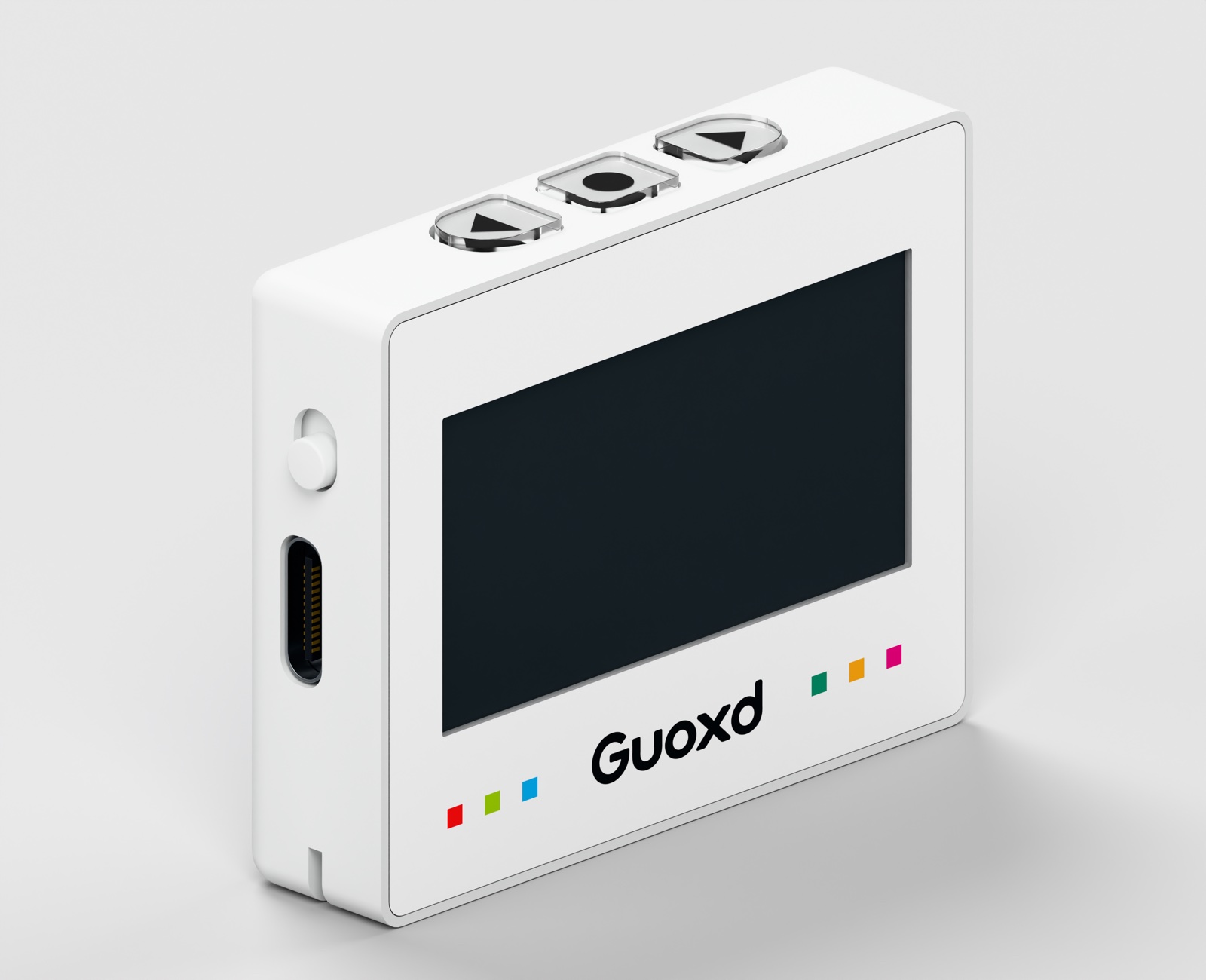
A clear view.
A simple way through.
Explore the built-in catalogue, organize your favorites, and save tag data for your next session. Game features and rewards depend on the game, the selected amiibo, and your progress.
Use UP and DOWN to browse, and OK to select. The screen keeps your selected tag and device menus close at hand.
Explore the system →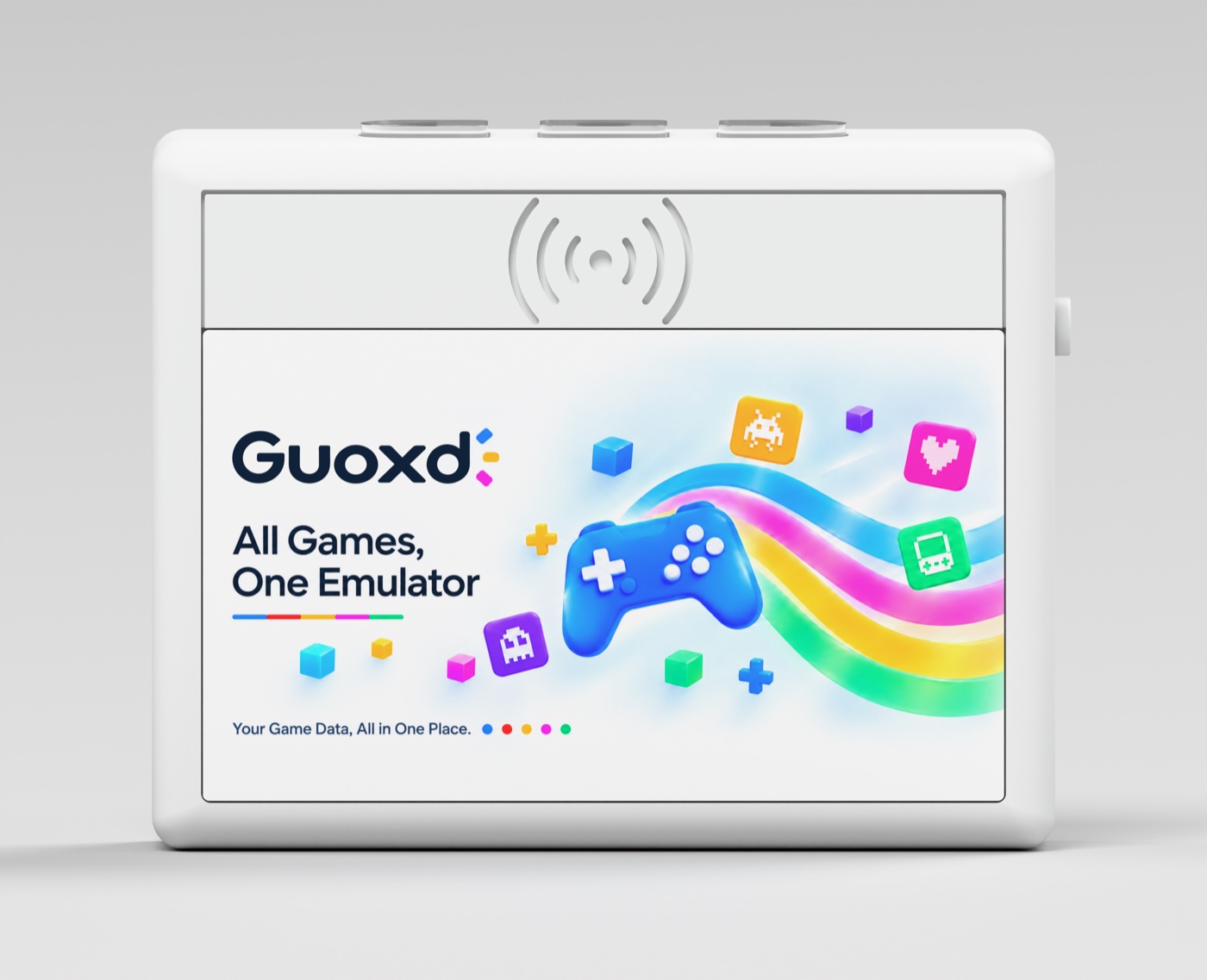
Start here.
Read the User Manual to learn the controls. Follow Activate Amiibo Features in Games to prepare your game. Visit FAQ for troubleshooting.
Firmware Update
Use the Guoxd companion application to manage files and verify transfers. A signed Guoxd_r1 firmware candidate is available for testing on the confirmed LCD sample; wireless update acceptance is still pending.